
Imprint: Learn Visually
PolywiseEducation
4.51.67K Reviews
- Version
- 3.17.0
- Installs
- 1.00M
- Age Rating
- Everyone
Screenshots
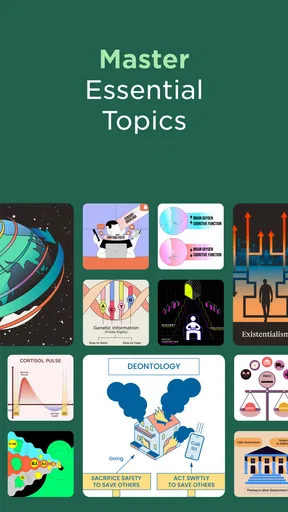
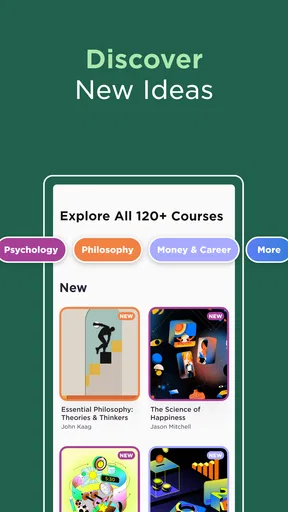
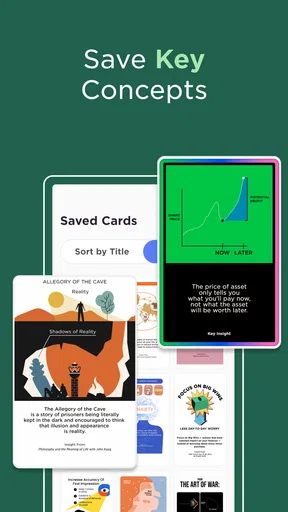
Our Review of Imprint: Learn Visually
 Analysis by Appyee
When I want to learn something without committing to a long chapter or lecture, I’m more likely to stick with it if the ideas are broken into clear, visual steps. That’s the appeal of Imprint: Learn Visually: it turns educational topics into short, illustrated stories you can move through at your own pace. I found the format inviting, though it works best as a way to explore and reinforce ideas, not as a complete replacement for detailed study.
What the visual format is good for
Imprint is an education app from Polywise, and its approach is easy to understand: combine concise explanations with images, then let readers progress through a subject in small pieces. The library ranges across topics such as history and science, with some less expected subjects mixed in. That variety makes it useful when I have a few minutes and want to follow my curiosity rather than search for one narrowly defined lesson.
The cards are especially suited to first encounters with a topic. Instead of opening a dense article and deciding where to begin, I can swipe through a sequence and get a sense of the main ideas. If one card does not make sense, I can pause or revisit it rather than losing my place in a long passage. That small difference matters during a short break, when I’m likely to be interrupted.
I would use this format to build a broad outline before reading more deeply. For example, if a subject comes up in a conversation, a visual story can help me identify its central terms and relationships. Later, I can use a book, a course, or a more detailed reference to check context and explore the parts that interest me. Treating the app as a starting point keeps its short lessons useful without expecting a compact card to do the work of an entire textbook.
Trust, setup, and everyday choices
The initial experience is straightforward: after installing the app, I can explore its content without working through a complicated interface. The published age classification is Everyone, which makes the intended audience broad, though younger learners may still benefit from an adult helping them judge which topics are appropriate for their interests. The app is free to install, with in-app purchases listed from $15.99 to $99.99 per item, so I’d check the purchase options carefully before committing to anything.
When I’m deciding whether to use an education app, I separate what I can observe from what I would need to verify in its current settings and policies. I wouldn’t assume anything about data collection, permissions, or account controls based on a clean-looking design or a quick sign-up. If those details matter to you, review the permission prompts and the app’s privacy information on your device before sharing personal details or making a purchase. That is a sensible check for any learning service, especially one you plan to use regularly.
There are a few practical moments when that caution is useful. If I’m setting the app up for a child, I’d stay nearby during account creation and purchase decisions rather than treating the age label as a substitute for supervision. If I’m using it on a shared device, I’d consider what information is visible to other people before signing in. And if I’m trying it for a brief session, I can first browse the learning format and see whether it suits me before deciding how much time or money I want to put into it.
Imprint’s audience figures suggest that many people have given it a try: it has more than a million installs, a 4.4 average rating, and around eleven thousand ratings. Those numbers are useful context, not proof that every lesson will suit every learner. I’d pay more attention to whether the explanations feel clear to me, whether the subjects I care about are represented, and whether the short-card structure helps me remember enough to justify returning.
Making short sessions count
A useful way to approach the cards is to pause occasionally and explain the idea to yourself before swiping onward. That turns passive browsing into a quick retrieval practice: I try to recall the point in my own words, then check whether the next card fills a gap. It is a simple habit, but it can reveal when an attractive illustration has made a lesson feel familiar without helping me actually remember its details.
I’d also choose a specific purpose for each session. On a commute, I might explore one topic just to get its basic shape; before a meeting or class, I might use a short story to refresh terms I already know. If I’m learning something that requires precise steps, calculations, or extensive evidence, I would not rely on visual summaries alone. A card sequence can orient me, while a textbook, a structured course, or a specialist reference is better for depth and verification.
Compared with a standard encyclopedia or long-form article, the app’s visual cards lower the effort of getting started and make casual exploration feel less demanding. Compared with a full online course, they are easier to dip into but are not the same kind of commitment or instruction. That trade-off is central: I find the format more approachable than a wall of text, but readers who want rigorous progression, detailed citations, exercises, or a formal syllabus may prefer another learning tool alongside it.
Progress without turning learning into a chore
The original experience includes progress tracking, recommendations based on interests, and a streak feature. I can see how these elements might help make learning part of a routine, particularly for someone who likes a visible nudge to return. I’d treat a streak as a reminder rather than a measure of understanding: opening the app every day is not automatically better than taking time to revisit a difficult idea or following a longer resource when a subject calls for it.
Recommendations can be handy when I don’t know what to explore next, but I’d still steer my own sessions. A practical approach is to follow a suggested topic only when it connects to a question I already have, then save deeper research for a more suitable source. This keeps browsing from becoming endless swiping and makes the app’s breadth an advantage rather than a distraction.
There are limits to the bite-sized style. A subject may involve qualifications, competing interpretations, or details that are hard to fit into a visual summary. I’d be cautious about treating a simplified account as the final word, especially when I need information for schoolwork, professional decisions, or a claim I plan to repeat. The best follow-up is to check a reliable, detailed source when accuracy and context matter.
First Impressions and Setup
Downloading and setting up Imprint: Learn Visually was a breeze. It's available on both Android and iOS, so no one misses out. Once installed, I was greeted by a clean and intuitive interface. The app has this neat and minimalist vibe, which I appreciate because who needs extra clutter when you’re trying to learn?
The sign-up process is quick, and you can dive right into exploring the library of content. It’s pretty straightforward, making it accessible even for those who aren’t super tech-savvy. I was ready to start learning in no time!
Diving Into the Content
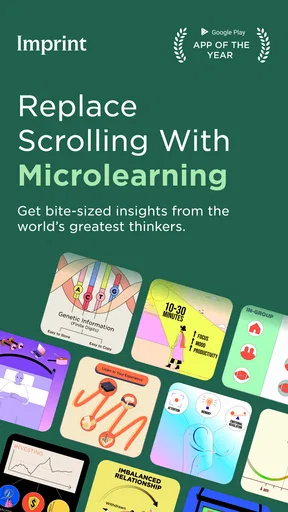
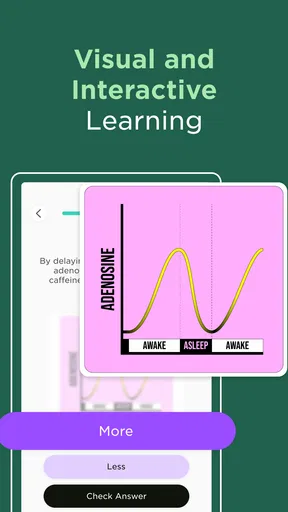
This app is all about visuals, and boy, does it deliver! The range of topics is vast, covering everything from history to science, and even some quirky subjects that you wouldn’t expect to find. The visual aids are vibrant and engaging, making it easier to retain information.
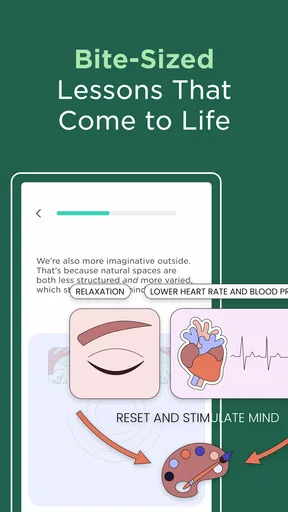
The visual stories are broken down into bite-sized pieces, which is perfect for those of us who get distracted easily. Each topic is presented in a series of cards, and you can swipe through them at your own pace. I found this feature particularly handy because I could revisit anything that didn’t quite stick the first time around.
User Experience and Features
Navigation is a dream with this app. The developers have clearly focused on making everything as user-friendly as possible. There are no complicated menus or confusing paths to follow. Just simple, straightforward learning.
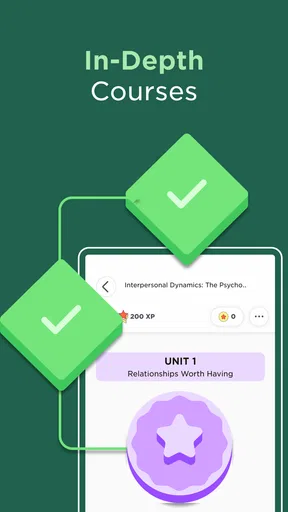
One of the standout features for me is the ability to track your progress. The app keeps tabs on what you've learned and even suggests content based on your interests. This personalized touch makes the learning experience even more engaging. Plus, there’s a streak feature that motivates you to keep coming back for more learning each day.
Learning Effectiveness
I put the app to the test with a few different subjects, and I genuinely felt like I retained more information than I would have with traditional reading methods. The combination of text and visuals seems to stick in my brain better. It’s like my brain is saying, "Oh, look! Pictures! I got this!"
There's scientific backing to this too. Visual learning taps into the brain’s natural ability to process images faster than text, which could explain why this method seems so effective.
Final Thoughts
If you’re someone who struggles with traditional learning methods or just wants to mix things up a bit, Imprint: Learn Visually is worth checking out. The app combines educational content with visually appealing design, making learning less of a chore and more of a fun activity.
It's not just for students either. Professionals looking to broaden their knowledge or even folks who are just curious about the world will find this app incredibly useful. It’s like having a pocket-sized encyclopedia that’s way more entertaining than flipping through a dusty old book.
In a world where information is at our fingertips, Imprint stands out by making that information not just accessible, but enjoyable. So, if you're ready to give your brain a treat, go ahead and download it. Happy learning!
Privacy and Permissions
See what permissions an app requests and how it handles your data.
- Other
- view network connections, full network access, run at startup, control vibration, prevent device from sleeping, read Google service configuration
Verdict
Strengths of Imprint: Learn Visually
- Engaging visual learning tools.
- User-friendly interface design.
- Wide range of topics covered.
- Interactive quizzes enhance learning.
- Offline mode available.
Limitations of Imprint: Learn Visually
- Limited free content access.
- Occasional app crashes reported.
- Requires large storage space.
- Frequent updates needed.
- No dark mode available.
Similar Picks in This Category
View All
Duolingo: Language Lessons
Duolingo4.7

Google Classroom
Google LLC2.8

Unacademy: Learn & Crack Exams
Unacademy3.2

Bible App for Kids
Life.Church4.4

Cake - Learn English & Korean
Cake Corp.4.7

Brainly: AI Homework Helper
Brainly4.5
Frequently Asked Questions
What is Imprint: Learn Visually and how does it work?
Imprint: Learn Visually is an educational app designed to enhance learning through visual methods. It leverages images, infographics, and videos to help users grasp complex topics quickly and effectively. By integrating visual elements into the learning process, the app caters to different learning styles, making it suitable for a wide range of users.
Is Imprint: Learn Visually suitable for all age groups?
Yes, Imprint: Learn Visually is designed to be flexible and accessible for various age groups. It offers content that ranges from basic educational subjects for younger users to more advanced topics for adults. The app's intuitive interface ensures that users of all ages can navigate and benefit from its features easily.
Does Imprint: Learn Visually require an internet connection to function?
While some features of Imprint: Learn Visually may be accessible offline, a stable internet connection is recommended for the best experience. This allows users to access updated content, participate in interactive lessons, and stream videos without interruptions. Check the app's settings to see what can be used offline.
Are there in-app purchases or subscriptions in Imprint: Learn Visually?
Imprint: Learn Visually offers both free and premium content. While the basic features are available for free, users can opt for in-app purchases or a subscription to unlock advanced content and additional resources. This model ensures that you can tailor the app's offerings to your educational needs and budget.
How often is the content updated on Imprint: Learn Visually?
The app developers regularly update Imprint: Learn Visually to include the latest educational content and improvements. New topics, features, and enhancements are added frequently to ensure users receive up-to-date and relevant information. Users can enable notifications to stay informed about the latest updates.
